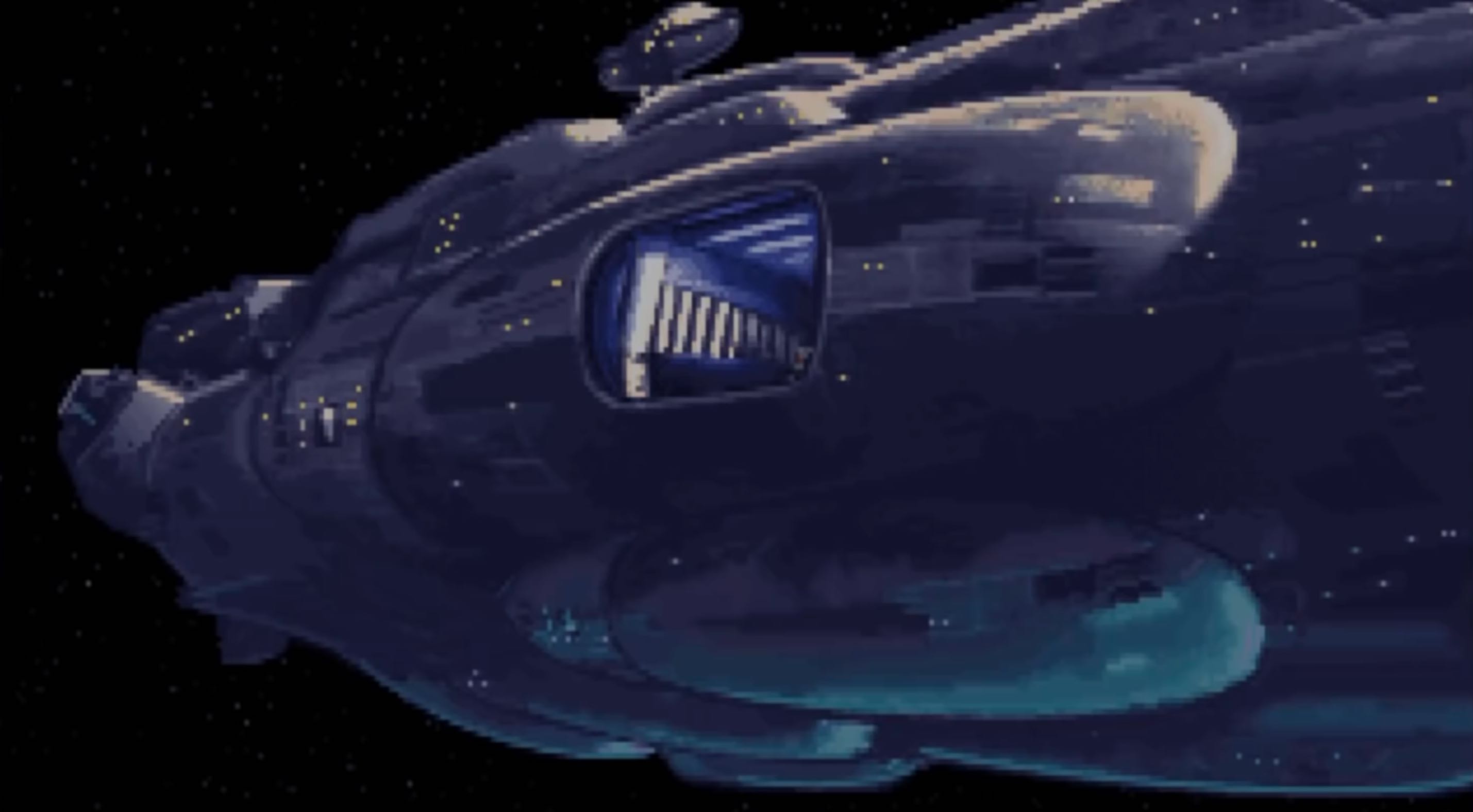
You are here to become faster in Obsidian. You will leave Flight School knowing how to effectively pilot your LYT ship. Get cozy because the hangar is your new home.
VIDEO
Only a few Flight School notes are included in this pack.
- Content and links have been removed.
- Want to take flight? Learn more here.
# Basic Training Wing
Welcome to the Basic Training Wing on the lower level. If you are new to Obsidian, you must start here. But no matter your piloting ability, it is never a bad idea to review the fundamentals.
If you don’t have the fundamentals down, you just won’t be able to pass the LYT ship certification. You’ll be stuck flying under Mach 1. Reach the stars, you won’t.
These are the four legs of your basic training. They represent the fundamentals. For the smoothest training, you should proceed in order.
- Obsidian Formatting: Quickly and smartly format text.
- Obsidian Settings: Confidently set up your setting.
- Obsidian Themes: Customize your visual experience.
- Obsidian Core Maneuvers: Develop your core navigational abilities.
Use the Flight School Checklist to make sure you have completed the four legs of your basic training. If so, you will have developed a rock-solid foundation.
To prove it, take The BOOT to earn your “boots” so you can walk through the Piloting Wing on upper decks.
# Piloting Wing
Welcome to the Piloting Wing on the upper level.
These are the four feathers of your pilot training. If you put in the work, this is where your abilities will substantially improve.
- Obsidian Interface: Expertly control the Obsidian interface.
- Obsidian Textwork: Effectively shift, mark, list, & refactor text.
- Obsidian Navigation: Effortlessly navigate from note to note.
- Obsidian Keyboard Combos: Drill skills to move even faster.
As you improve in each area, the cumulative result will be the ability to effectively execute fundamental and high-level maneuvers in your LYT ship. Plainly, this means Obsidian will start to feel like an extension of yourself.
When you are ready, take the The LYT Ship Pilot Test.
# Instruments Wing
Come here to tune, tinker, and test drive your Obsidian instruments.
As you get more comfortable with the fundamentals of Obsidian, you will feel compelled to expand what you can do. To do that, you either have to: utilize more tabs, install new plugins, get faster with hotkeys, or learn more functions.
Utilize the display panels. Work faster. Leverage the graph views.
- Obsidian’s Display: Utilize the controls at your fingertips.
- Obsidian Plugins: Expand what you can do.
- Obsidian Hotkeys: Work faster so you can think faster.
- Obsidian Functions: Leverage special tools.
- Obsidian’s Graph: Use visuals to improve your thinking.
Instrument training is built into both the Basic Training Wing and the Piloting Wing, but if you put in the reps here, you will maximize what you can do with your LYT ship. You will fly around amazingly fast and truly feel the joy of moving close to the speed of your thoughts.
# Resources Wing
Along with the Instruments Wing, this is where to go where you are stuck because you have a gap in your knowledge or your skill set.
Expect to come here often to review different flight guides and manuals. The doors to the Resources Wing are always open.
- Obsidian Plugins - Data Views: View various plugins.
- Obsidian Hotkeys - Data Views: Sort the available commands.
- Obsidian Auxiliary Actions: Find other technical maneuvers.
- Obsidian Simulations Center: See all available simulations.
- LYT Glossary for Flight School: Review PKM terms.
- Flight School FAQ: Find answers to common questions.
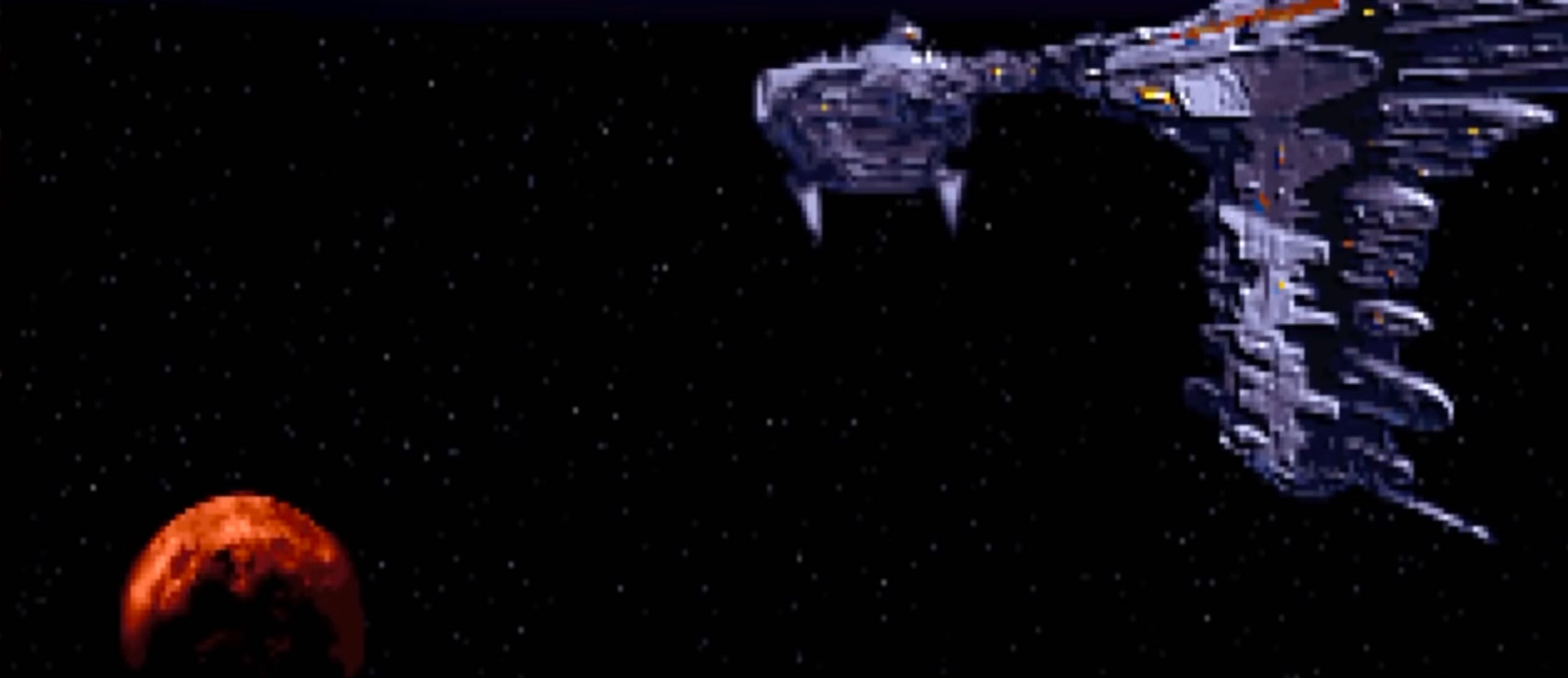
A view from outside the ship